
In today's fast-paced digital workplace, speed and visual clarity are everything. Whether you're pitching an idea to management, collecting cross-departmental feedback, or presenting complex notes in a digestible format, static slides and text-heavy documents often fall short.
Enter Canva Code 2.0 — an AI-powered tool that turns a simple prompt into a fully functional, interactive website or app, without writing a single line of code. And as of this latest update, it's now open to every Canva user, including free and education accounts not just paid plans.
💻 How to Access Canva Code 2.0 (Laptop & Mobile)
Getting started takes only a few seconds, on whichever device you prefer:
- On Laptop/Desktop: Go to canva.com and log in. Click the "Canva AI" button on your dashboard, then select "Code for me" from the options. If you're already inside a design, you can also open the prompt bar and click the </> Code icon to launch it from there.
- On Mobile: Open the Canva app (iOS or Android) or use Canva through your mobile browser. Tap the create button and choose Code to prompt on the go the same interactive editor works on your phone.
⚙ How It Works: From Prompt to Interactive Web Asset
Instead of spending hours building templates, setting up servers, or briefing a developer, Canva Code 2.0 automates the entire process:
- Provide Your Key Points – Type or paste your outline, bullet points, meeting notes, or project goals into the prompt bar. You can also start from one of 50+ built-in Canva Code templates, or import existing HTML — even a page built with another AI tool — and keep editing it inside Canva.
- AI-Powered Generation – Canva AI translates your input into a styled, responsive web interface, complete with layouts, cards, forms, and interactive elements. Canva says code generation is now roughly 75% faster, with the time from prompt to published output cut by about 30%.
- Customize & Refine – Use Canva's familiar drag-and-drop tools to swap in images from Canva's library, tweak fonts and colors to match your brand kit, or click into any element and ask Canva AI to revise it for you. Teams can also collaborate in real time — commenting and editing the same project together.
- Publish & Share – When you're ready, publish to a free Canva domain with one click and share a single link, or connect a custom domain (a paid add-on) if you want your own web address. You can also restrict access with a password or single sign-on for internal sharing.
💡 Why It's a Game-Changer for Everyday Productivity
- Instant Visual Summaries: Turn raw bullet points or meeting notes into a clean, interactive page that stakeholders can actually engage with — instead of scrolling through a wall of text.
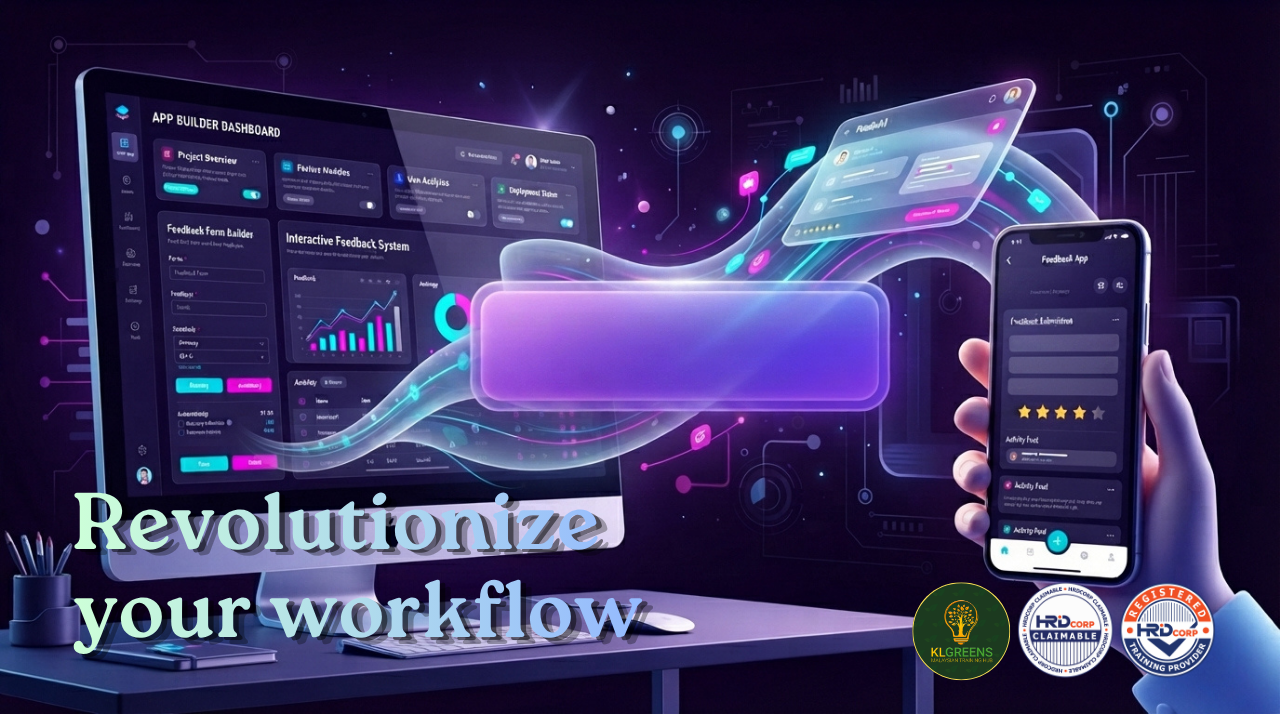
- Streamlined Cross-Department Collaboration: Skip manual form builders. Use Canva Code to host Q&A sessions or build feedback forms that automatically collect responses into Canva Sheets.
- Little to No Hosting Overhead: Publishing to a free Canva domain costs nothing and needs no developer or IT setup — you only pay if you choose to attach a custom domain.
- No Coding Skills Needed: Everything — from generation to editing to publishing — happens inside the same visual editor you already know from Canva.
🌟 Try It Today
Whether you're on a free account or a paid plan, Canva Code 2.0 is ready to use right now. Turn your next set of notes, pitch, or project brief into an interactive link your team can actually click through — and see the difference for yourself.
This article is provided for general information and professional awareness purposes only. Information may change over time and should not be treated as specific legal, financial or professional advice.