
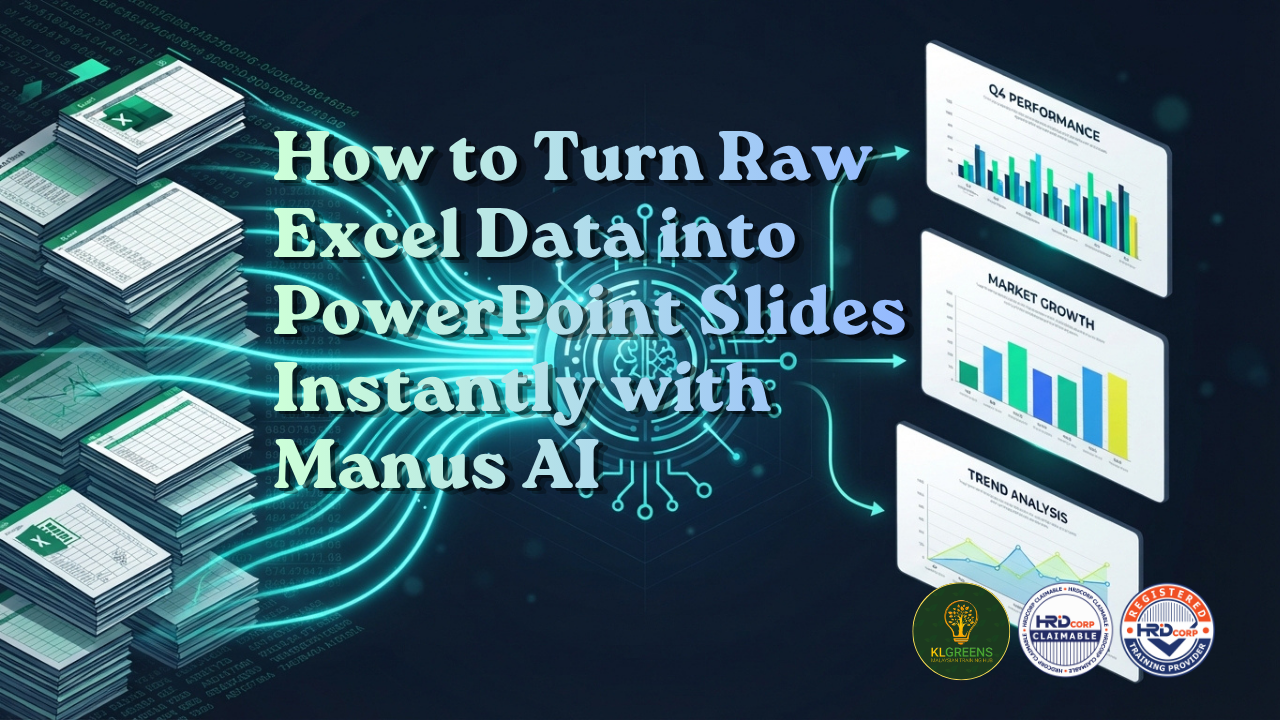
Many working professionals share a common frustration: having mountains of data in Excel, but struggling to convert it into clear, professional presentation slides for management, bosses, or team meetings.
Learning complex data analytics tools like Power BI or manually creating individual charts can take hours time that most busy professionals simply don’t have.
The solution to this problem is an AI tool called Manus AI. Here is a complete guide on how Manus AI simplifies data presentation and how you can use it to build polished PowerPoint decks in minutes.
The Problem: Data Overload vs. Presentation Deadlines
Whether you are managing quarterly budget reports, sales performance figures, or marketing analytics, raw data on a spreadsheet rarely speaks for itself in a board meeting:
Information Overload: Spreadsheets with hundreds of rows confuse stakeholders instead of informing them.
Time-Consuming Design: Building charts, aligning layout boxes, and formatting text in PowerPoint takes hours.
Steep Learning Curve: Tools like Power BI or advanced Excel dashboards require extensive training to master.
The Solution: Manus AI Agent
Manus is a general AI agent designed to automate end-to-end workflows, including presentation creation and data visualization.
Instead of requiring you to manually build charts and copy numbers into slides, Manus takes your data files (such as .csv or .xlsx files), processes the numbers, and generates fully formatted, editable PowerPoint slides automatically.
Step-by-Step: How to Convert Your Data into PowerPoint Slides
Using Manus AI to transform spreadsheets into slide decks requires just three simple steps:
- Upload Your Data & Provide a Prompt
Log in to Manus AI and attach your Excel or CSV file. Type a simple instruction specifying what you need. For example:
> “Analyze this sales report and turn it into a 10-slide presentation highlighting key trends, quarterly growth, and performance graphs for management.”
- AI Automated Processing & Visualization
Manus AI goes to work behind the scenes:
- It reads and structures your dataset.
- It automatically identifies key metrics and generates relevant charts and graphs.
- It writes context-aware summaries and bullet points explaining the visual data.
- Download as an Editable PowerPoint File
Once generated, you can preview the deck, make quick inline tweaks, and export the file directly as an editable PowerPoint presentation (.pptx). You retain full control to edit text, adjust colors, or fine-tune slide designs in Microsoft PowerPoint before presenting.
Key Benefits of Using AI for Presentation Decks
Massive Time Savings: Reduce hours of manual chart creation down to just a few minutes.
No Design Skills Required: The AI structures layouts logically and applies professional formatting automatically.
Management-Ready Insights: Turns messy spreadsheets into clear visual stories that impress directors and team members alike.
This article is provided for general information and professional awareness purposes only. Information may change over time and should not be treated as specific legal, financial or professional advice.